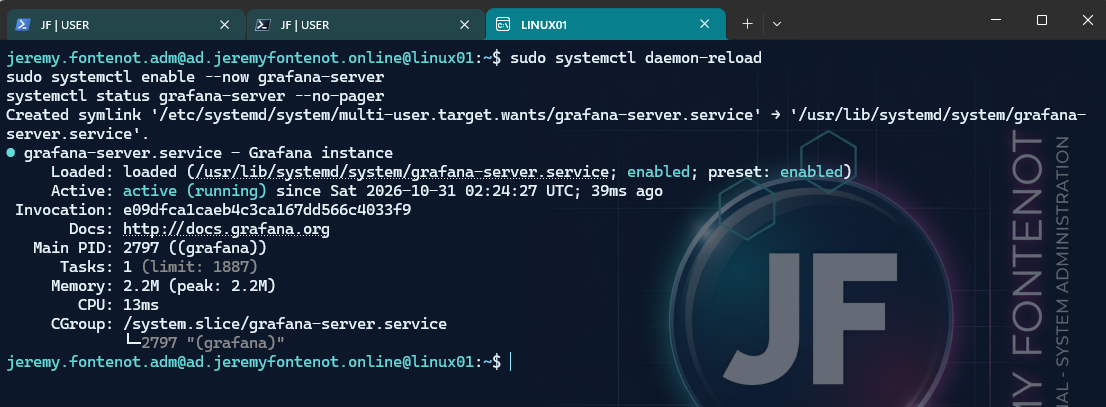
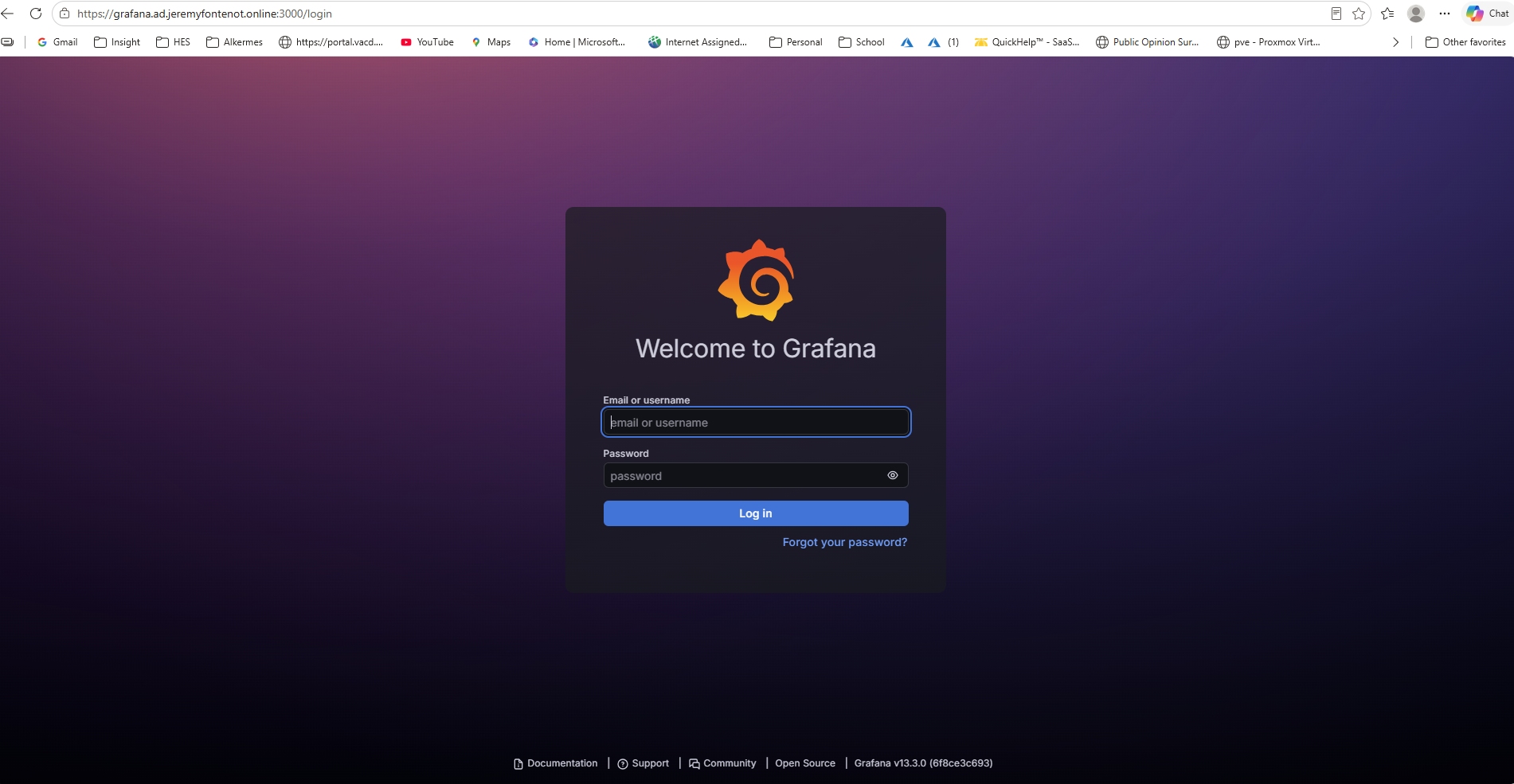
Grafana OSS 13.3.0 runs on Ubuntu 26.04 LTS LINUX01 at 10.10.30.20 in an isolated home-lab Linux VLAN. Windows endpoint LT-JF01 reaches Grafana over pfSense OpenVPN. Active Directory DNS on DC01 resolves grafana.ad.jeremyfontenot.online to the private server address. This is a personal, nonproduction implementation—not a public Grafana service.
LT-JF01 connects through pfSense OpenVPN; DC01 resolves the private Grafana hostname.
02 / SELF-HOSTED APPLICATIONGrafana OSS + TLS
Ubuntu LINUX01 hosts the application behind trusted HTTPS on the Linux VLAN.
03 / IDENTITY PROVIDERMicrosoft Entra ID
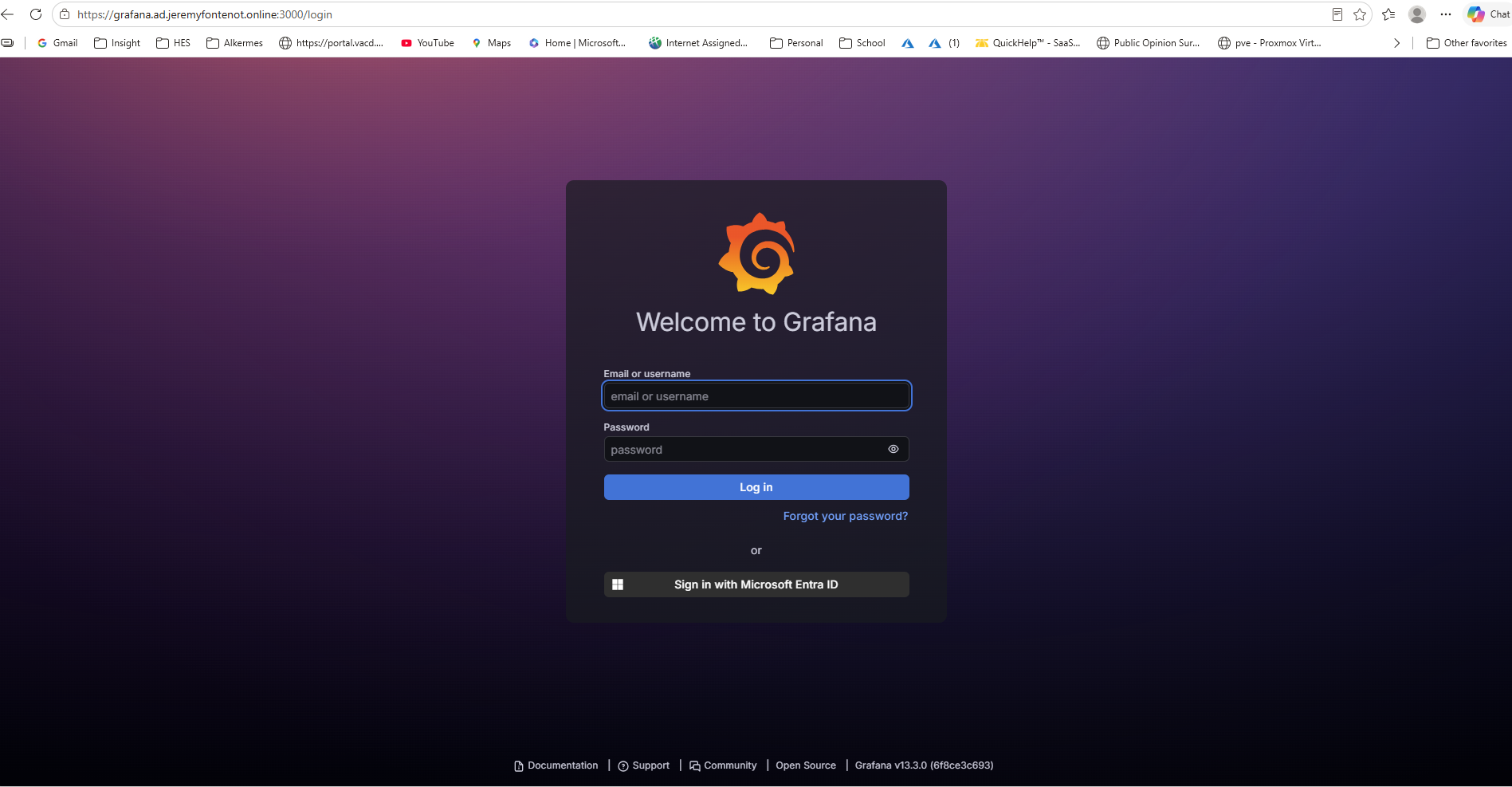
Single-tenant OAuth/OIDC sign-in returns to the configured Grafana callback.
04 / ACCESS CONTROLViewer + assignment
Authorized user assignment and Grafana Viewer access are verified by retained records.
Private implementation • No publicly exposed Grafana service
02 / DELIVERY
Implementation and troubleshooting
Demonstrated skills include Linux service administration, trusted HTTPS, Microsoft Entra application integration, identity verification, least-privilege access, and certificate lifecycle administration. Original screenshots and the retained lab record connect each skill to its configuration and result.
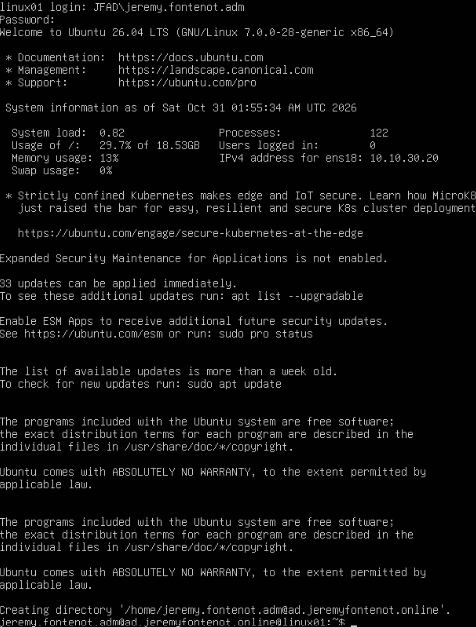
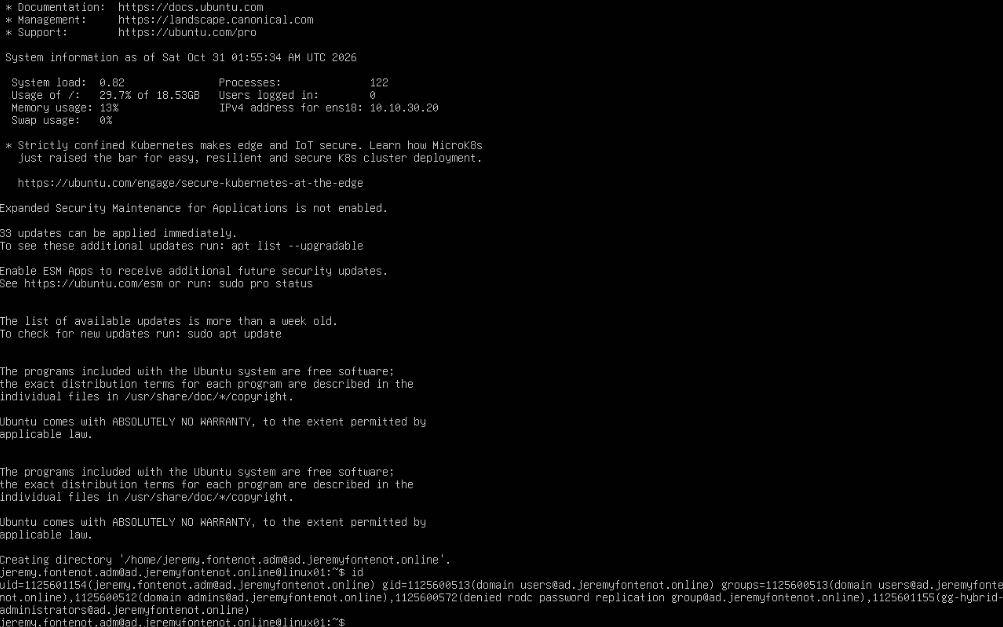
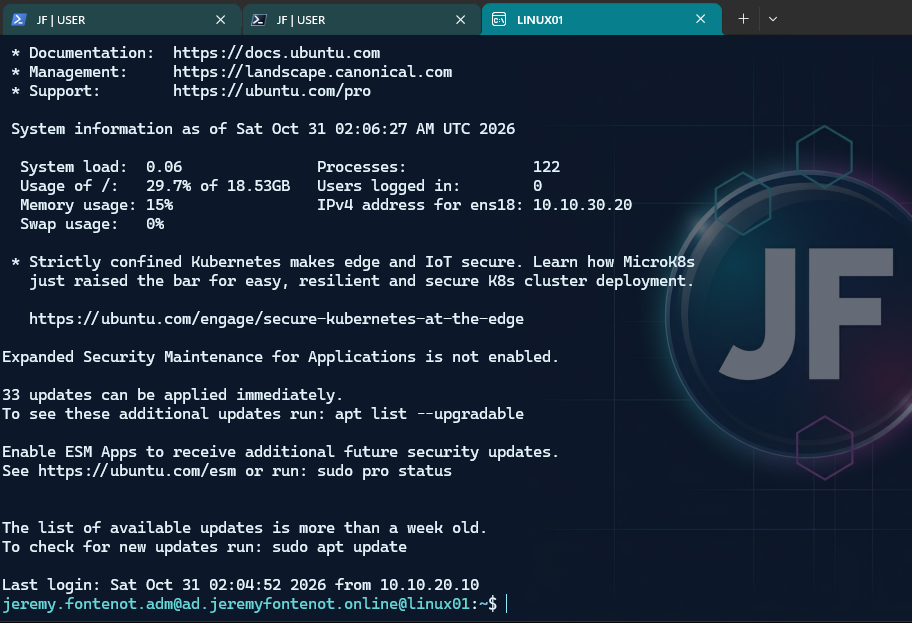
Diagnosed missing VPN route to VLAN 30, restricted Linux UFW SSH access to the VPN subnet, and authenticated to Ubuntu through SSSD using an Active Directory account. Installed Grafana through the signed Grafana APT repository and verified its health endpoint.
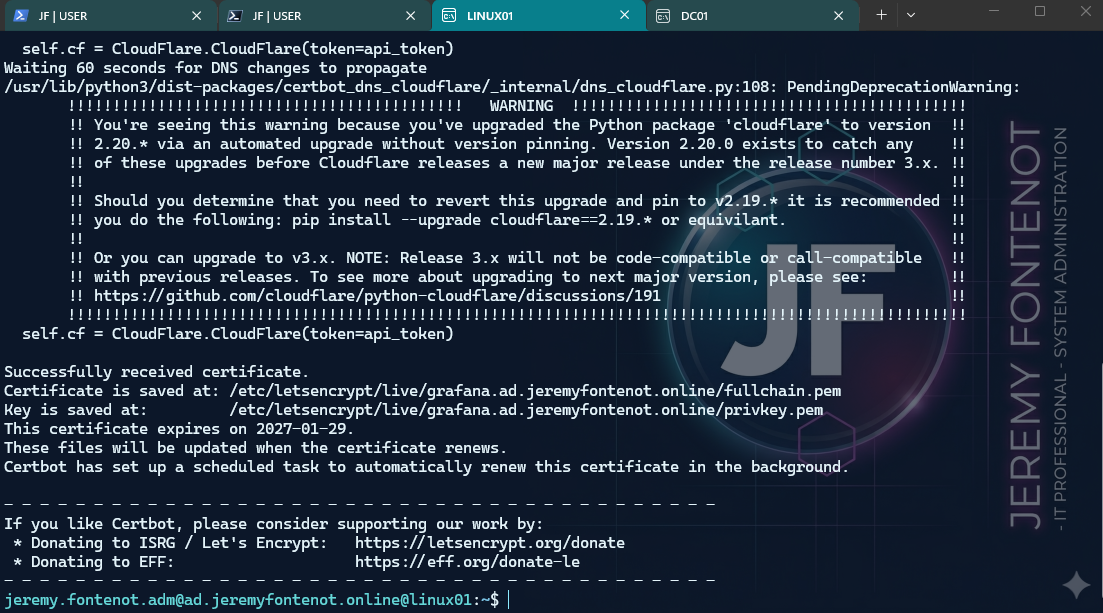
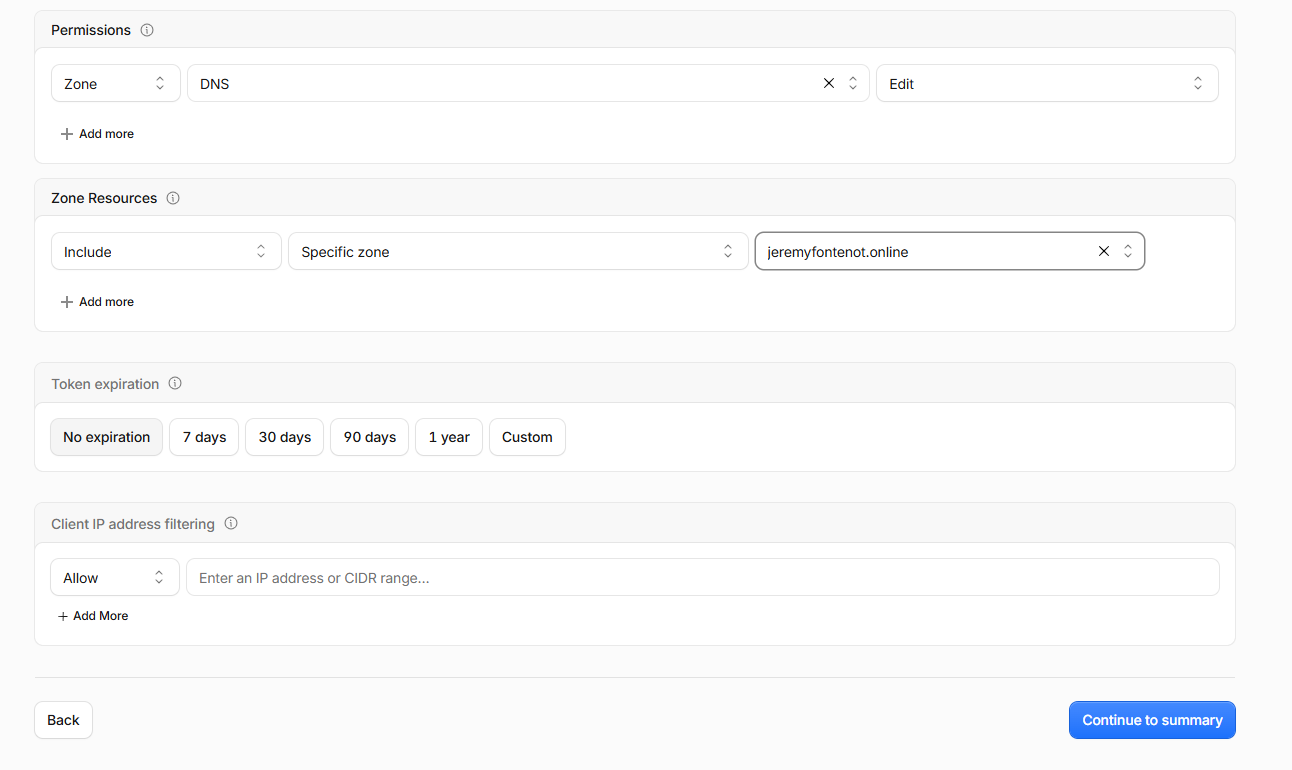
Issued a publicly trusted Let's Encrypt certificate through restricted Cloudflare DNS-01 credentials without publishing Grafana to the internet. Configured Grafana HTTPS on port 3000, secure cookies, and root-owned certificate copies readable by the Grafana group. A Certbot deployment hook copies renewed certificate material and restarts Grafana after successful renewal.
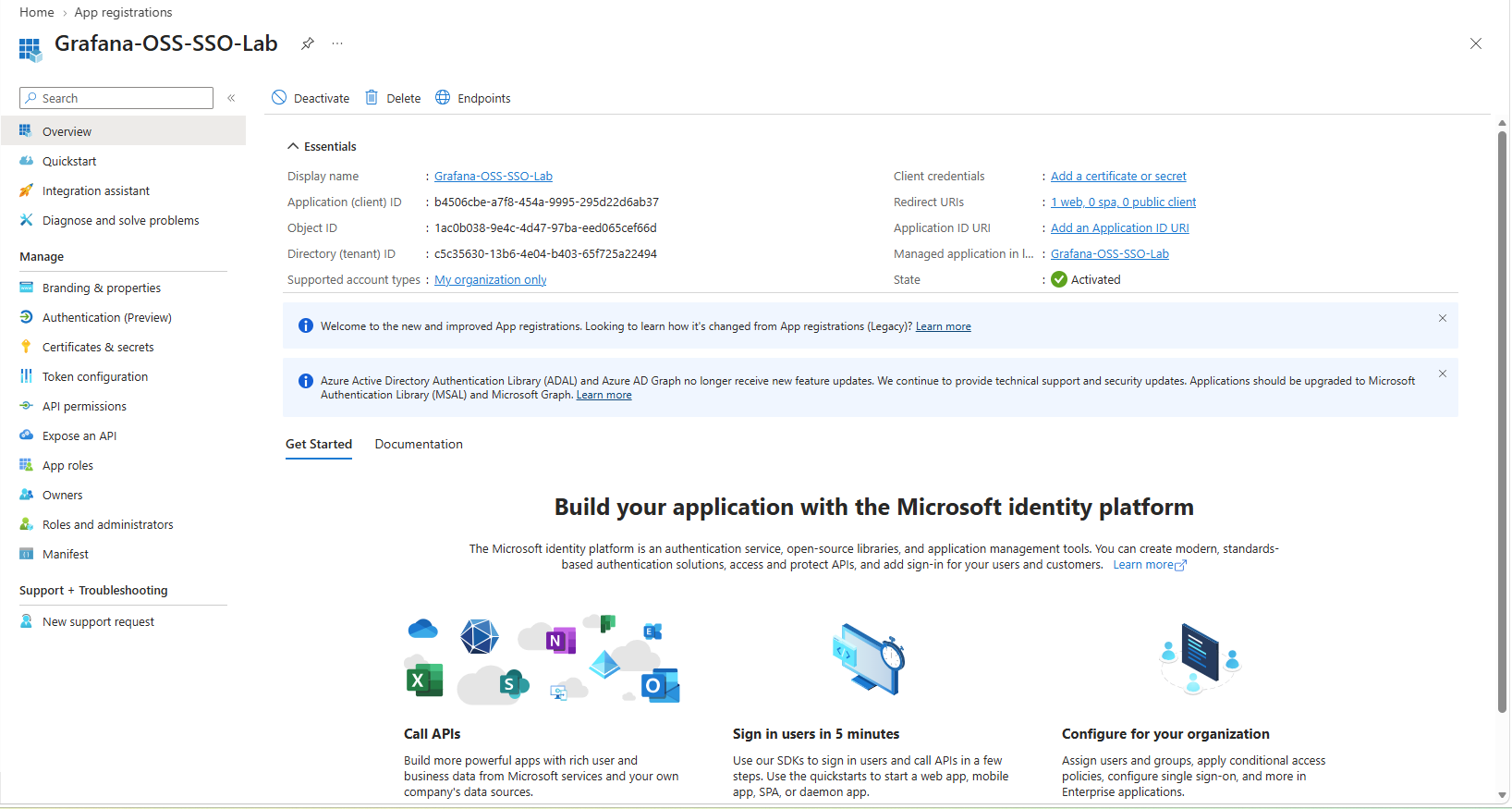
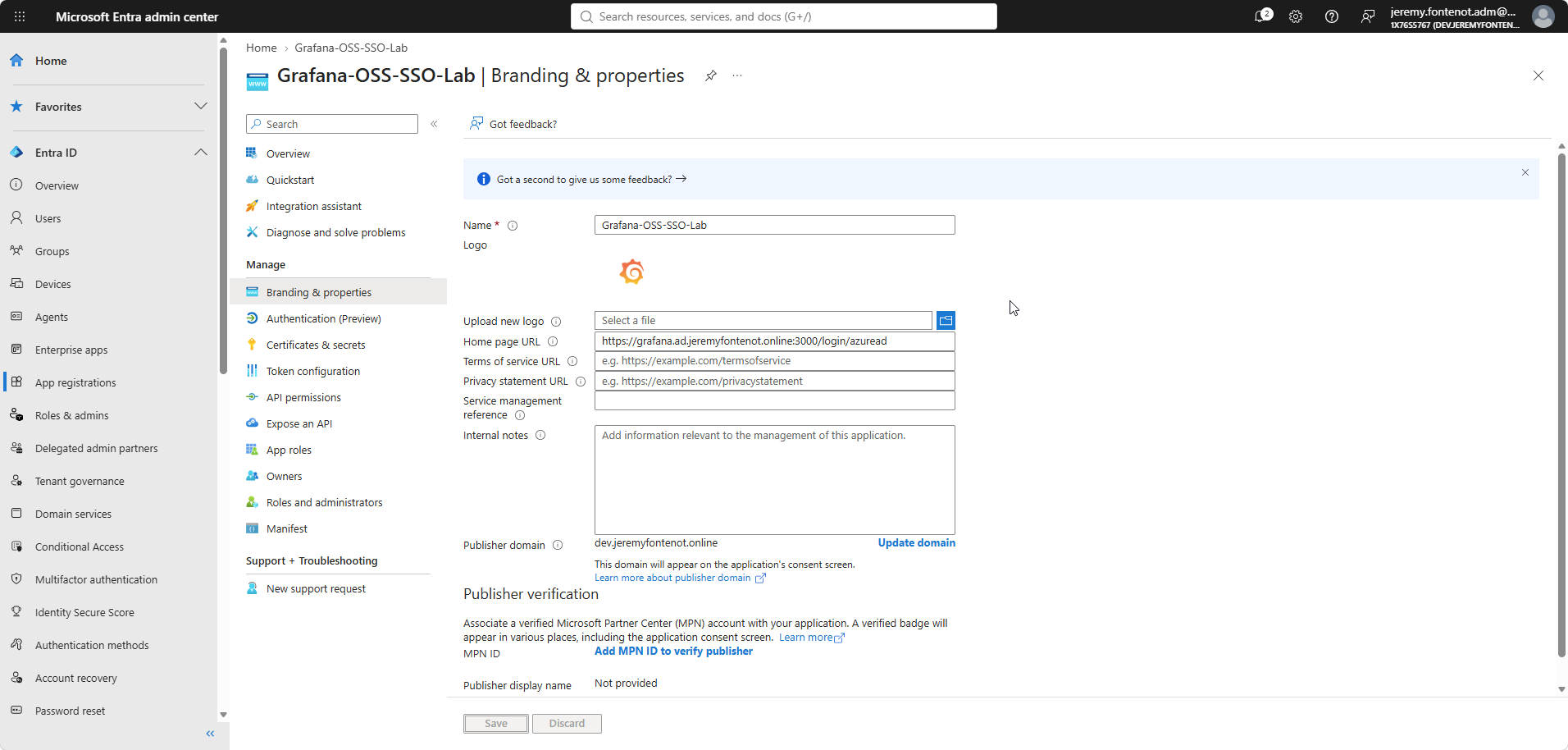
Registered single-tenant Grafana-OSS-SSO-Lab in Microsoft Entra; configured Grafana's built-in AzureAD provider, OAuth client credentials from a protected file, PKCE, token refresh, and an HTTPS callback. Kept the local administrator login as a recovery path.
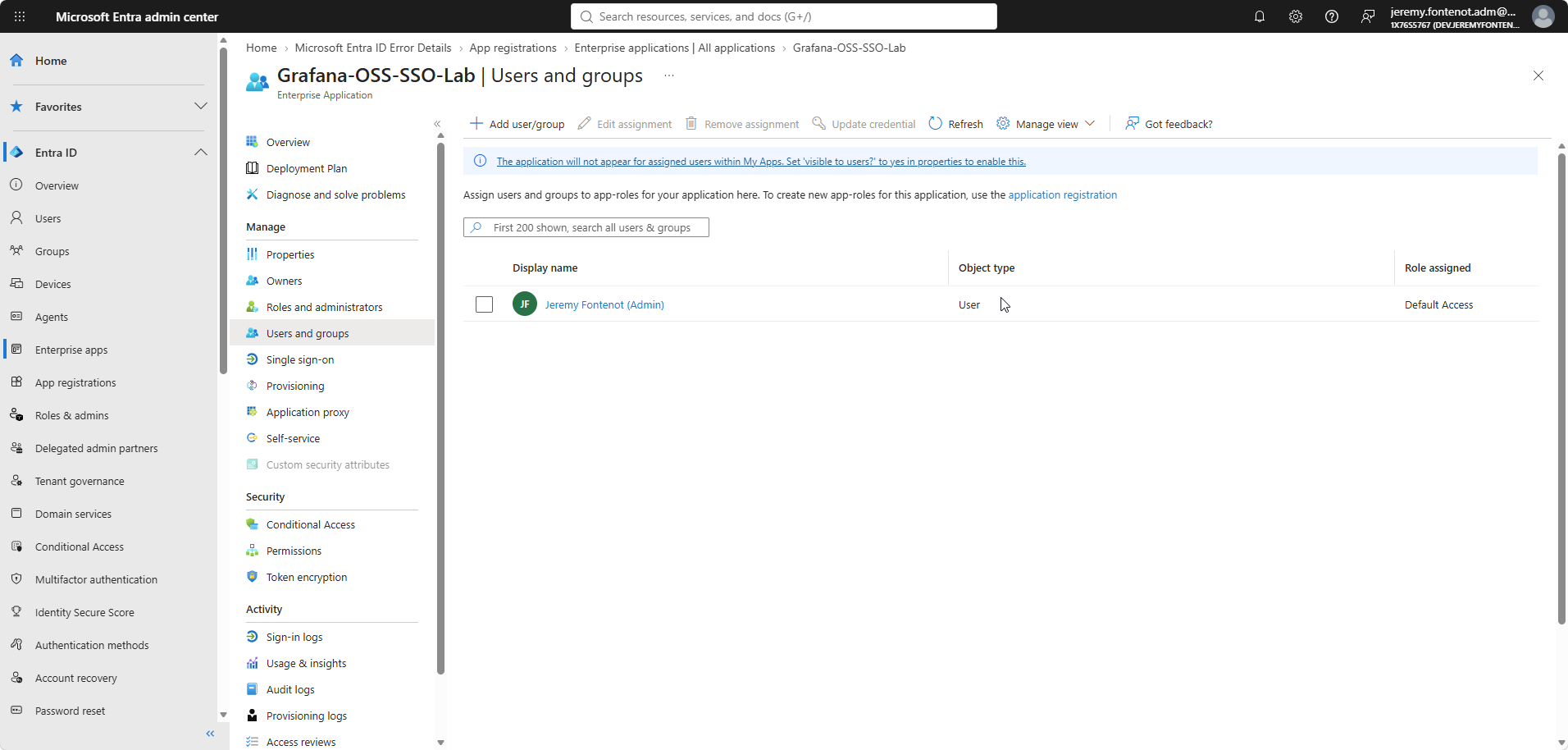
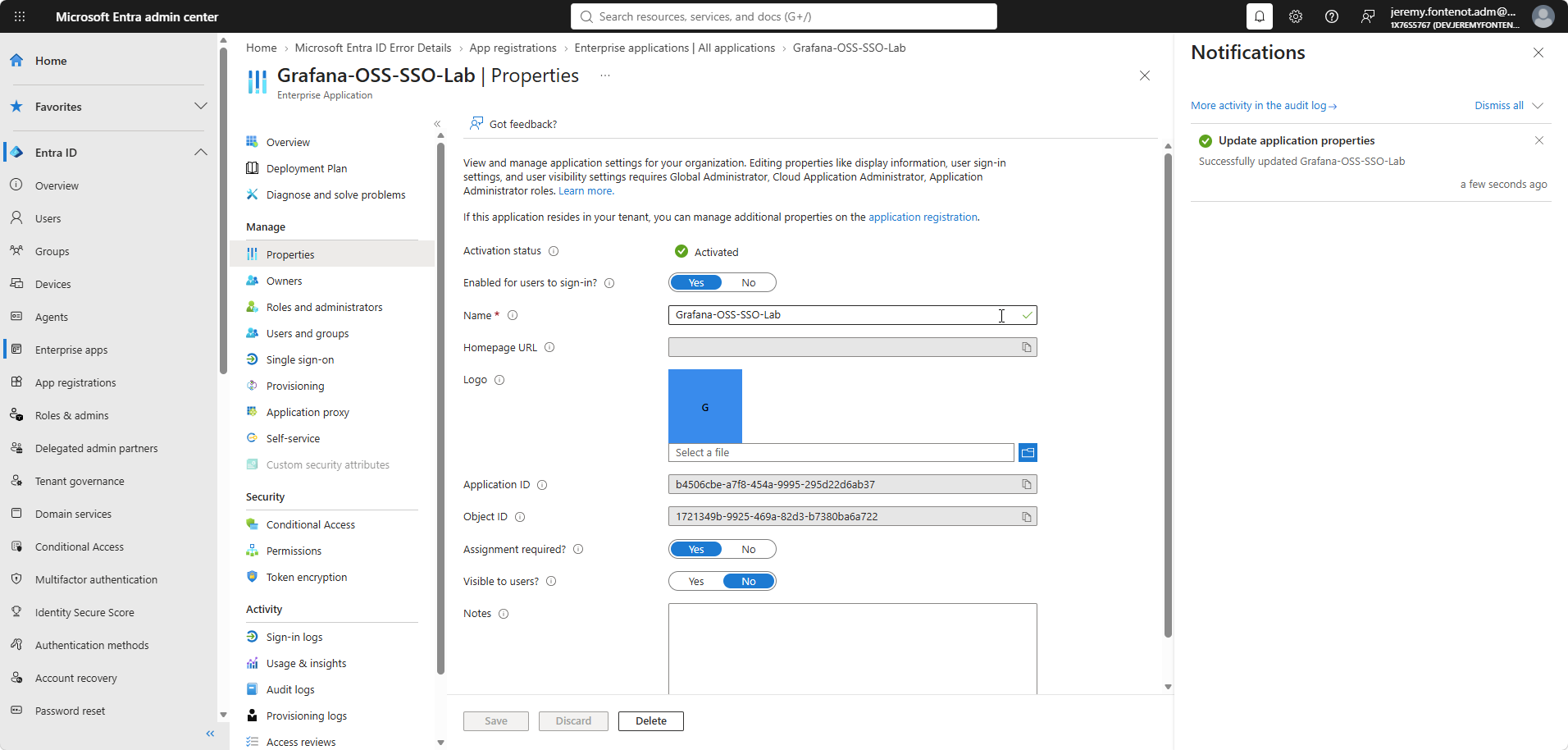
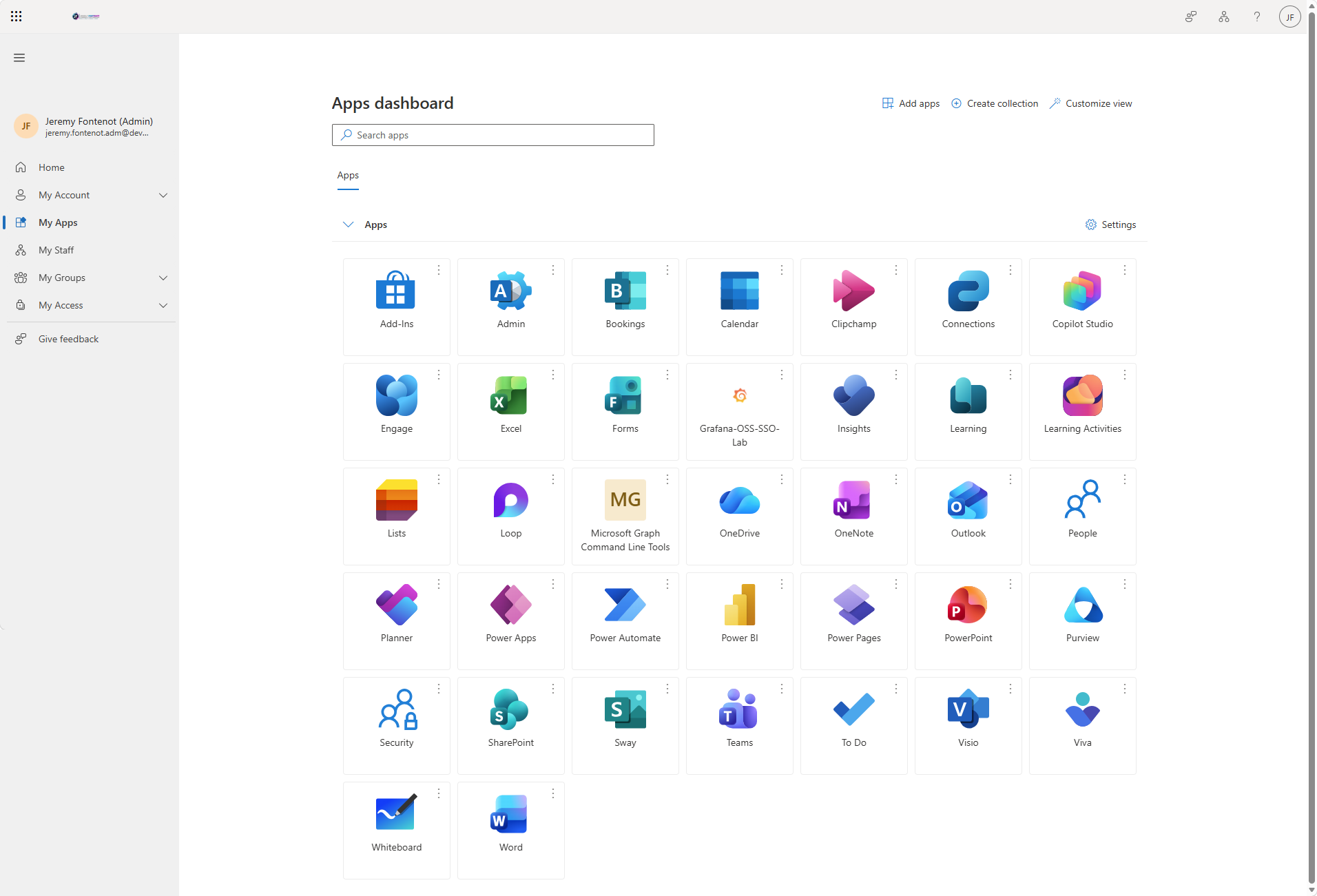
Assigned the Entra test identity to the enterprise application, enabled Assignment required, published a branded Microsoft My Apps tile, and used the tile to launch Grafana.
03 / VERIFIED RESULTS
Demonstrated results
Authentication and authorization
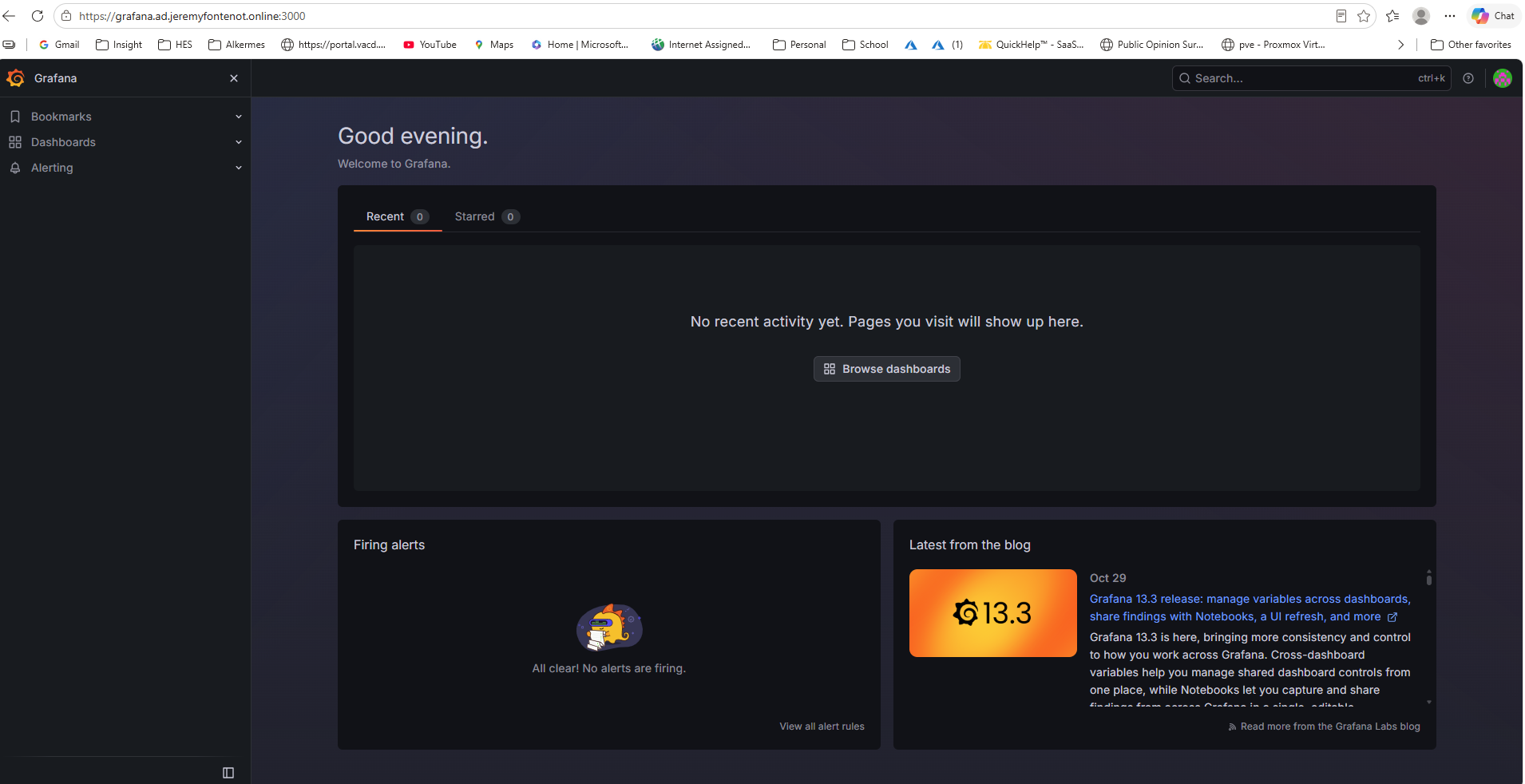
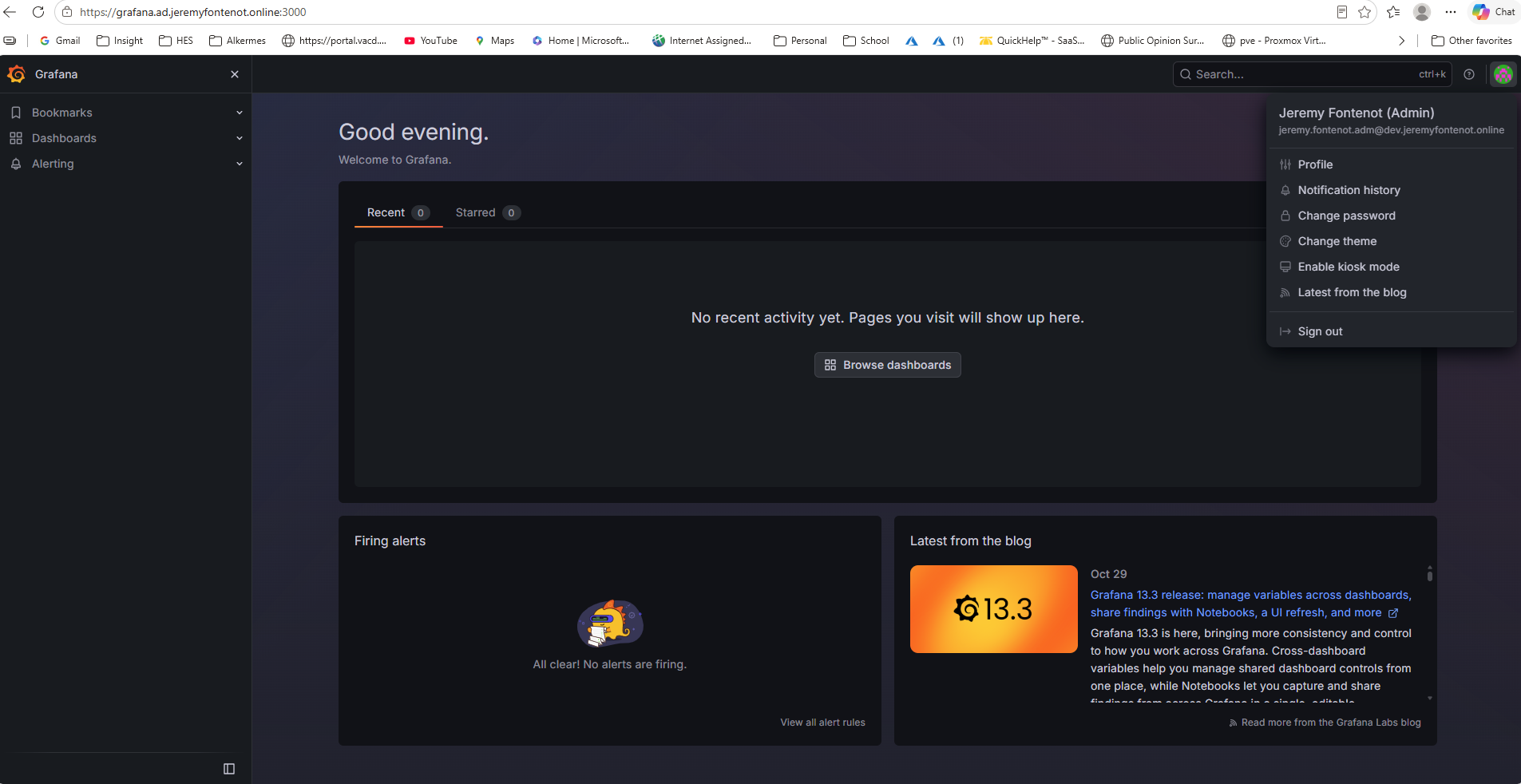
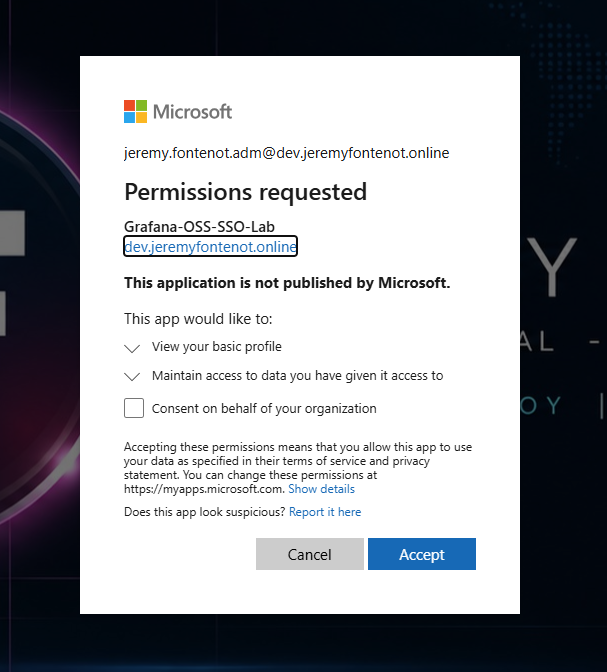
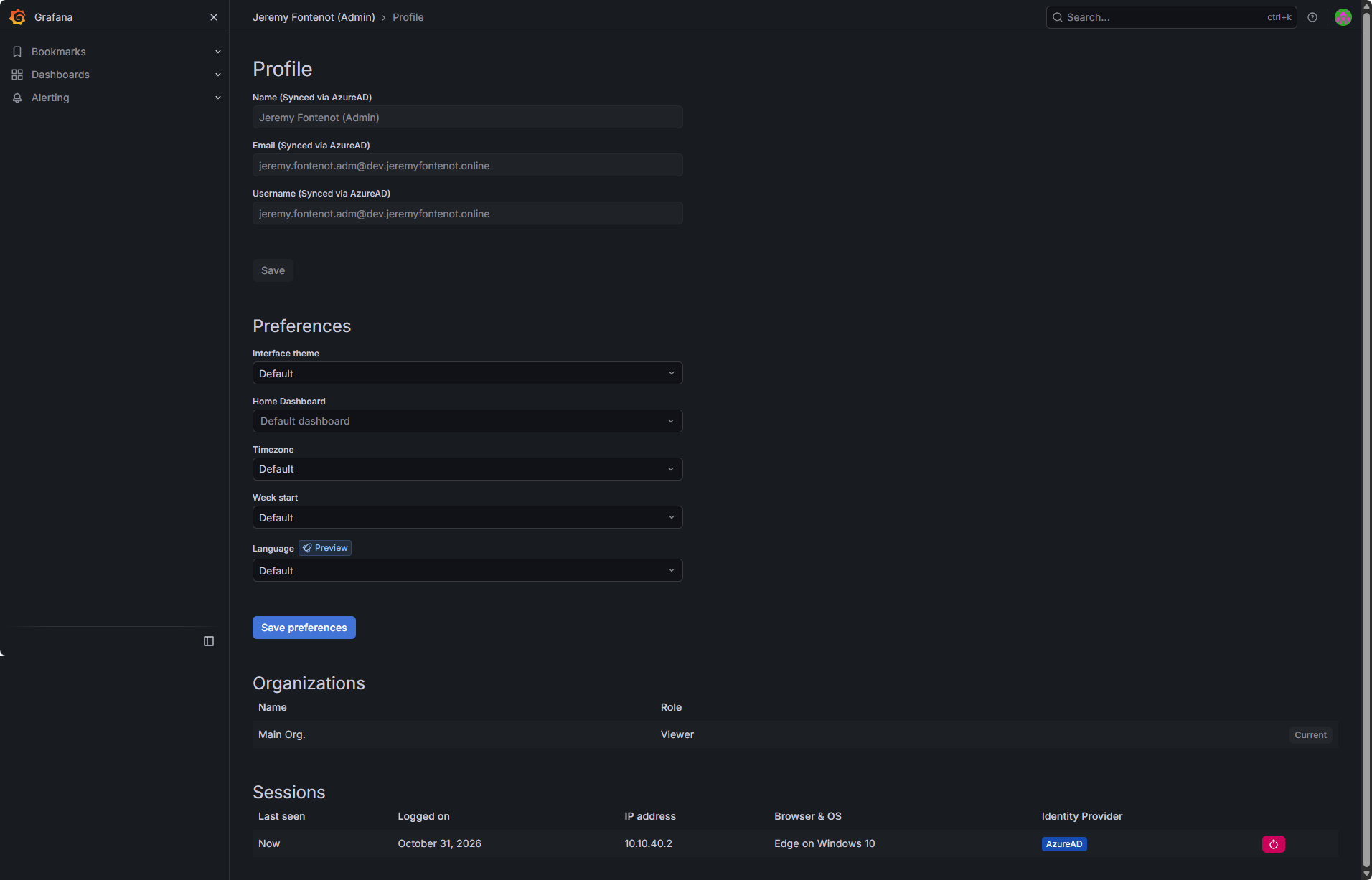
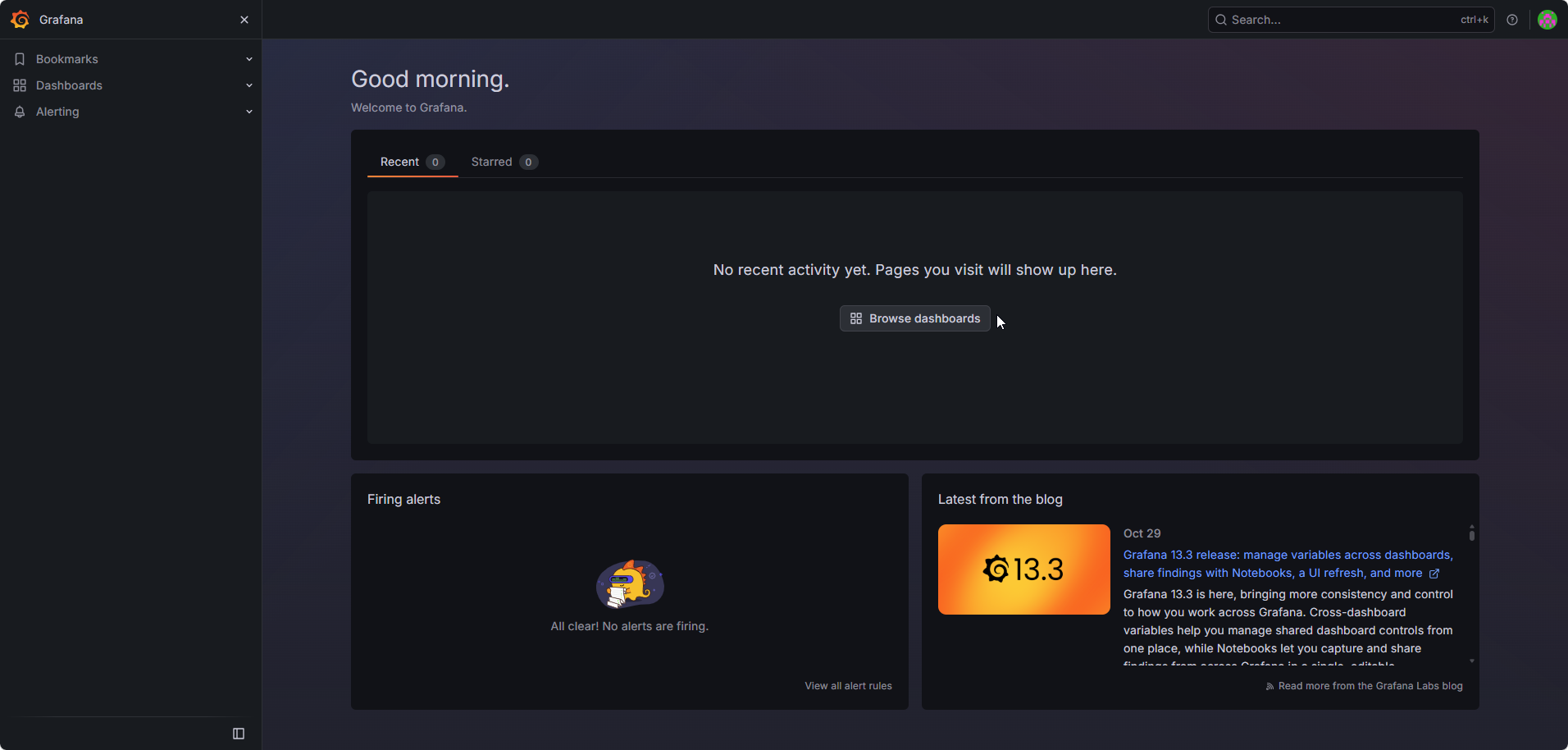
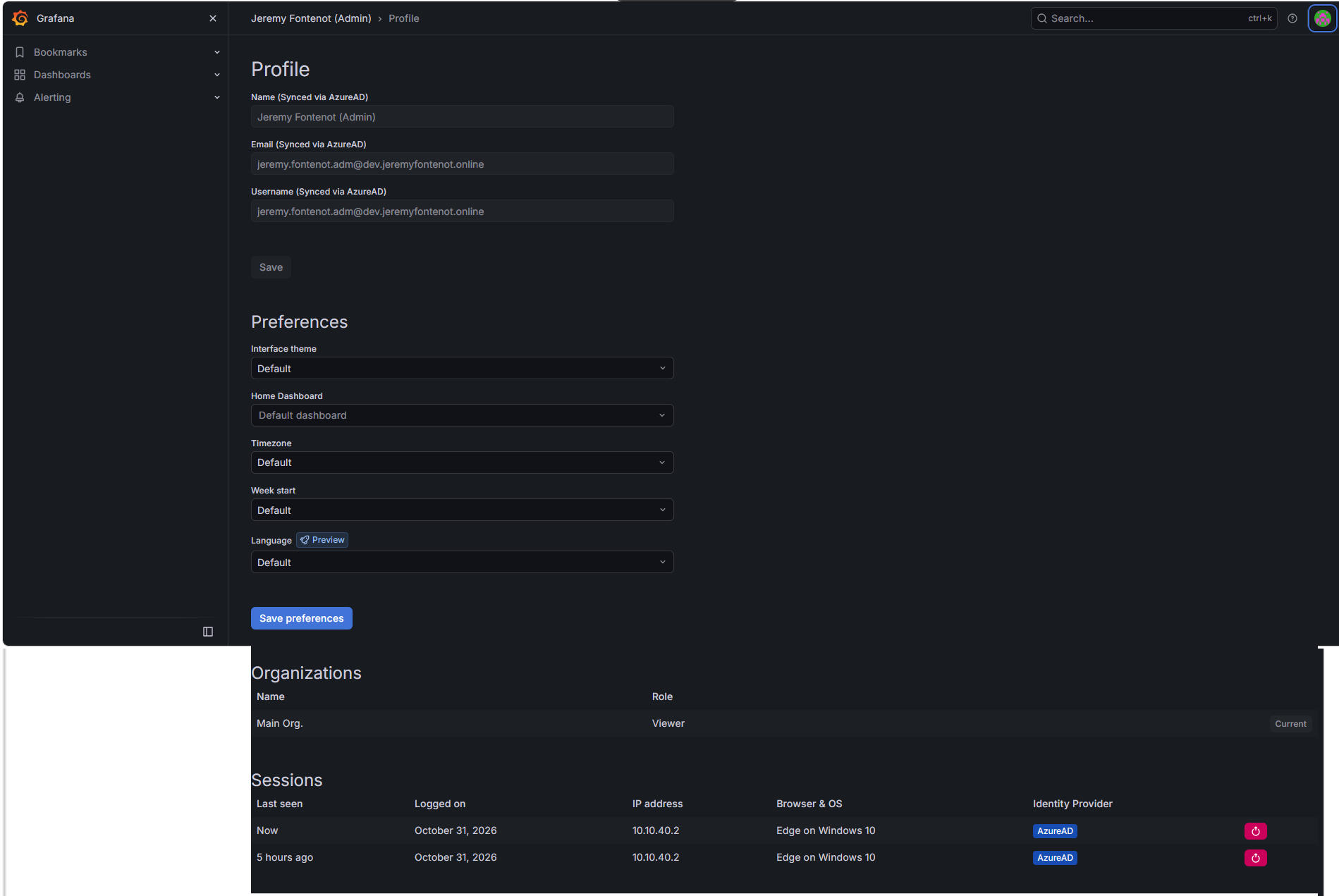
Microsoft Entra consent flow returned to an authenticated Grafana dashboard. Grafana Profile displayed attributes synchronized via AzureAD and explicitly showed organization role Viewer, despite the account's display name containing “Admin.”
HTTPS and certificate administration
Grafana /api/health responded with database ok over certificate-validated HTTPS. Certbot renew --dry-run --run-deploy-hooks succeeded; the hook ran, Grafana stayed healthy, and deployed certificate/key files matched Let's Encrypt originals.
Application access and launch
Entra Enterprise Application showed the user assigned Default Access with Assignment required = Yes. The official Grafana-branded tile appeared in My Apps and opened Grafana. The follow-up profile displayed AzureAD as the session identity provider.
Read the implementation record, screenshot register, and validation matrix. Nineteen original screenshots below demonstrate the application, identity, authorization, and certificate configuration. The implementation record documents the command-based lab validation.
This personal lab demonstrates secure administration of a private Linux application: Ubuntu and Grafana, Microsoft Entra OAuth/OIDC, Viewer authorization, explicit application assignment, Microsoft My Apps integration, and trusted HTTPS with a validated renewal simulation.
Grafana is reached through the private lab network. Certificate issuance uses Cloudflare DNS-01; application and DNS credentials remain protected on the server. The registered callback and lab configuration are documented in the implementation record.